Devlog 014 / Interface
Phone and Apps
*Generated by AI.
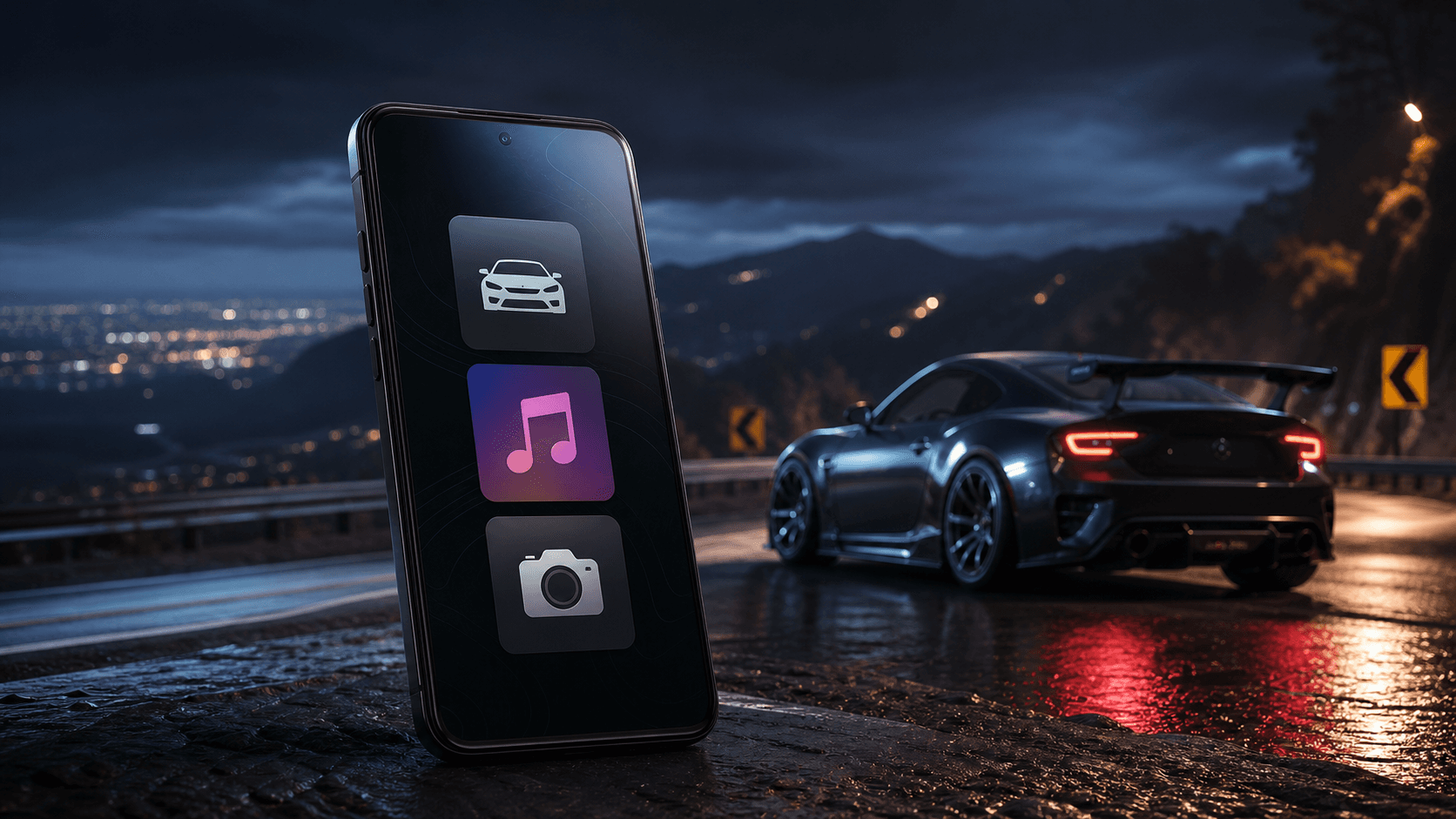
The phone in Project Tourge keeps useful tools inside the world instead of placing everything behind a traditional pause menu. It gives the player quick access to owned cars and photography while leaving room for more apps as the game develops.
My Cars
The My Cars app shows the vehicles the player owns. Each car keeps its saved build and appearance, so the preview represents the actual car rather than a generic model. Cars can also be given nicknames to make a growing collection easier to recognise.
Selecting another car requests a vehicle delivery for a fee. Officially, the insurance company collects the car and brings it to the player. How they cross the map that quickly—and why they never ask questions about tyre condition—is best left unexplained.
The fee keeps garages and travel meaningful while still offering a convenient way to change cars when returning across the map would add nothing to the drive.
A physical camera app
The Camera app is more than a screenshot button. It opens a free camera that can be moved around the car, or a follow mode that keeps the vehicle in the shot while it is moving.
Camera controls include framing, field of view, roll, focus and depth of field. Automatic focus is available for quick shots, while manual control allows the player to choose what should remain sharp. Follow position and look direction can also be adjusted for rolling photography.
The normal game interface can be hidden before capture. A higher-quality capture option renders more image detail before the screenshot is saved, producing a cleaner result for players who want to crop or upscale their work.
The intention is to support both quick memories and carefully planned automotive photography without requiring an external camera tool.
Built for future filmmakers
My long-term goal is for this camera to become one of the best cinematic tools available inside a driving game—something that gives both players and content creators everything they need to build a shot without leaving Project Tourge. Taking a clean screenshot is only the starting point. The finished tool should support composed stills, rolling shots and complete cinematic sequences while remaining approachable for someone who only wants a good photograph of their car.
That means expanding the camera with more control over movement, composition, focus and how a shot follows the action. Want the camera to follow another player while they drive? Of course. The goal is to let creators choose a subject and build the shot around it rather than having to move and aim the camera manually every second.
Placeable and adjustable lights are also planned. Creators should be able to add light where a scene needs it, shape the look of a car and create an atmosphere that the existing world lighting alone cannot provide. These tools should feel like part of one coherent camera system, not a collection of disconnected developer controls.
This is a future direction rather than a description of everything currently finished. It will take time to build properly, but the ambition is clear: if somebody wants to create Project Tourge photography or videos, the game should eventually give them the tools to do it properly.
Your cars and your camera—useful tools kept in one place that belongs inside the game.
Development archive