Devlog 006 / Graphics
Graphics that scale, frames that stay smooth
August 28, 2026
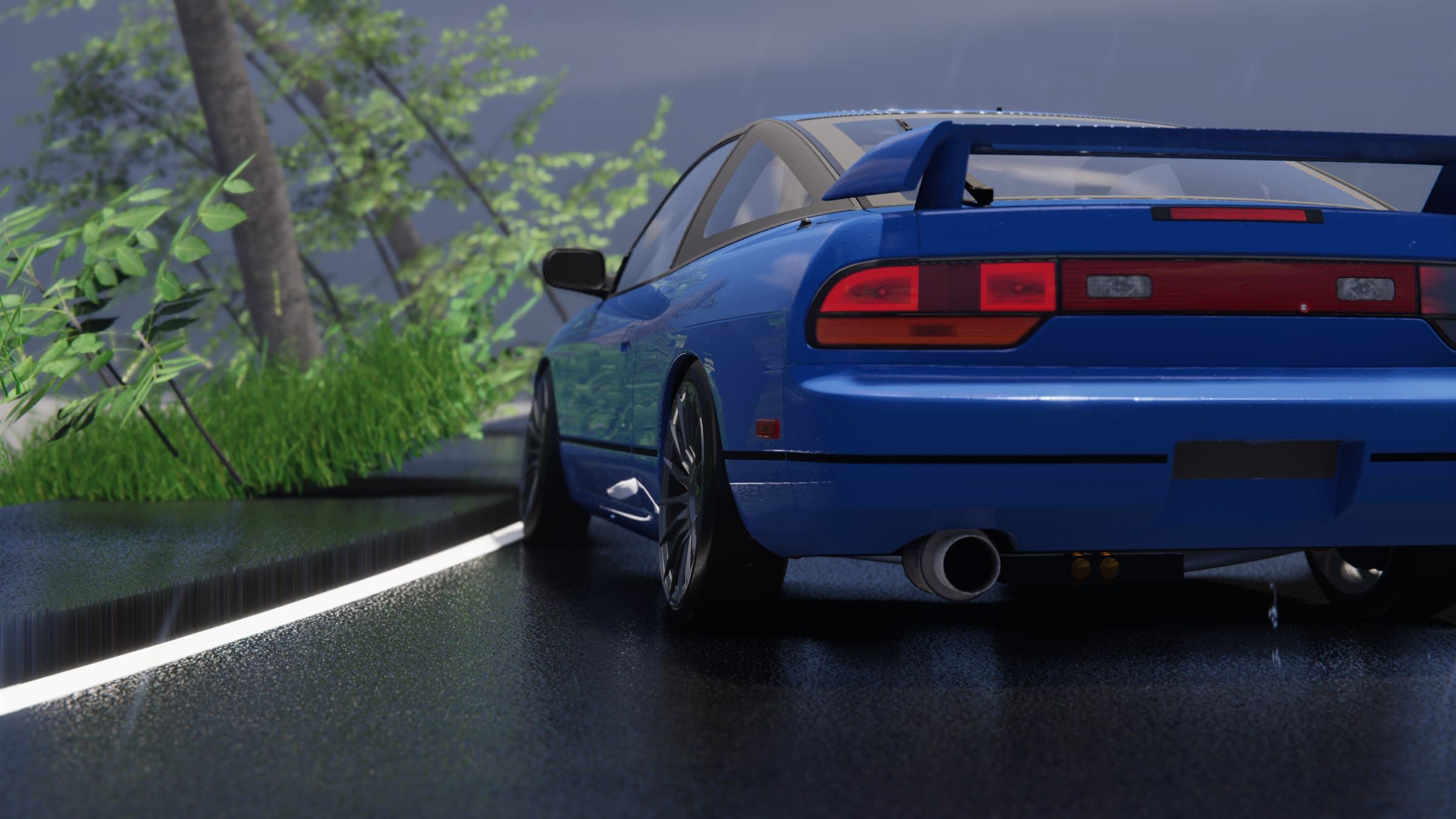
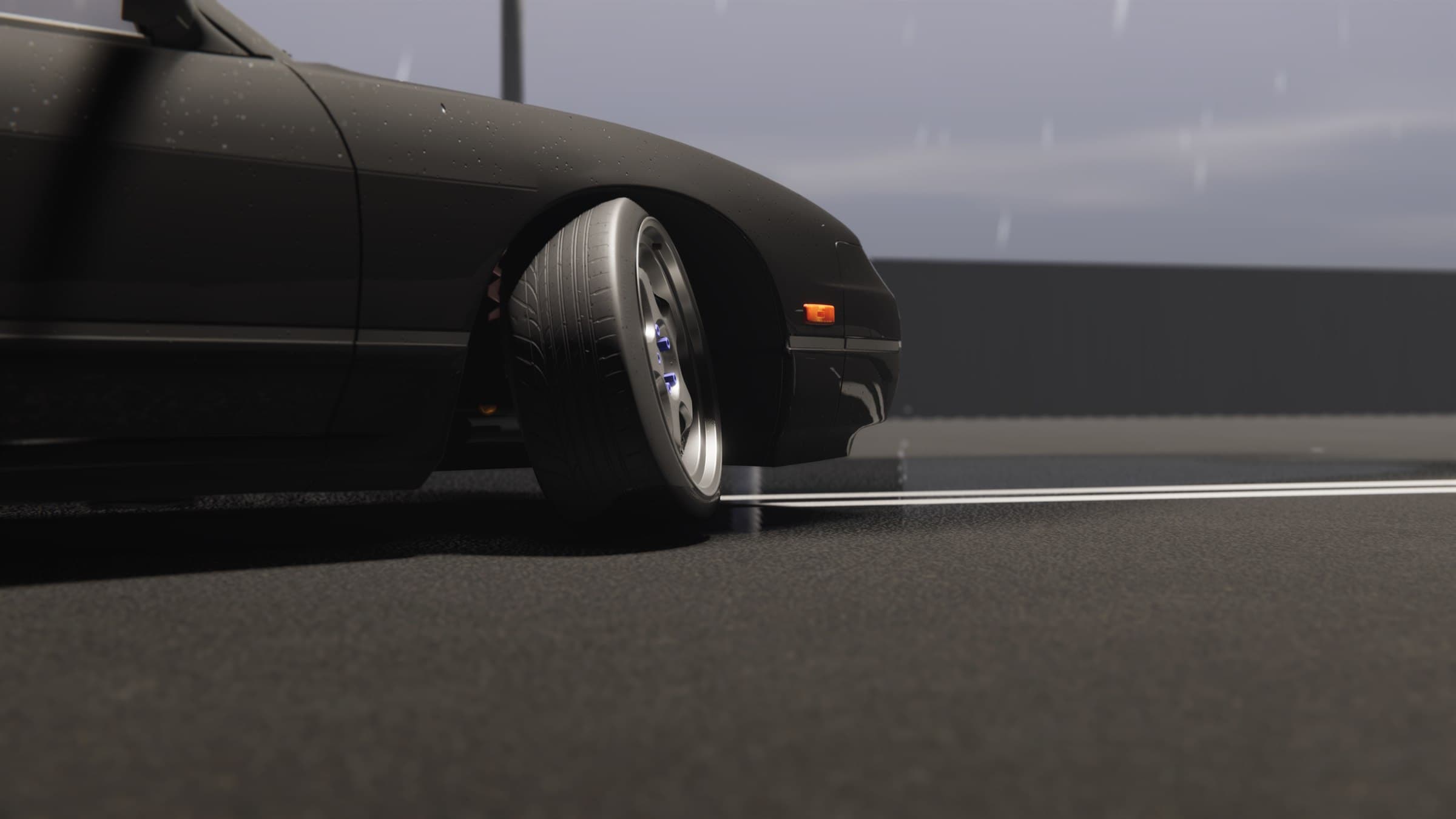
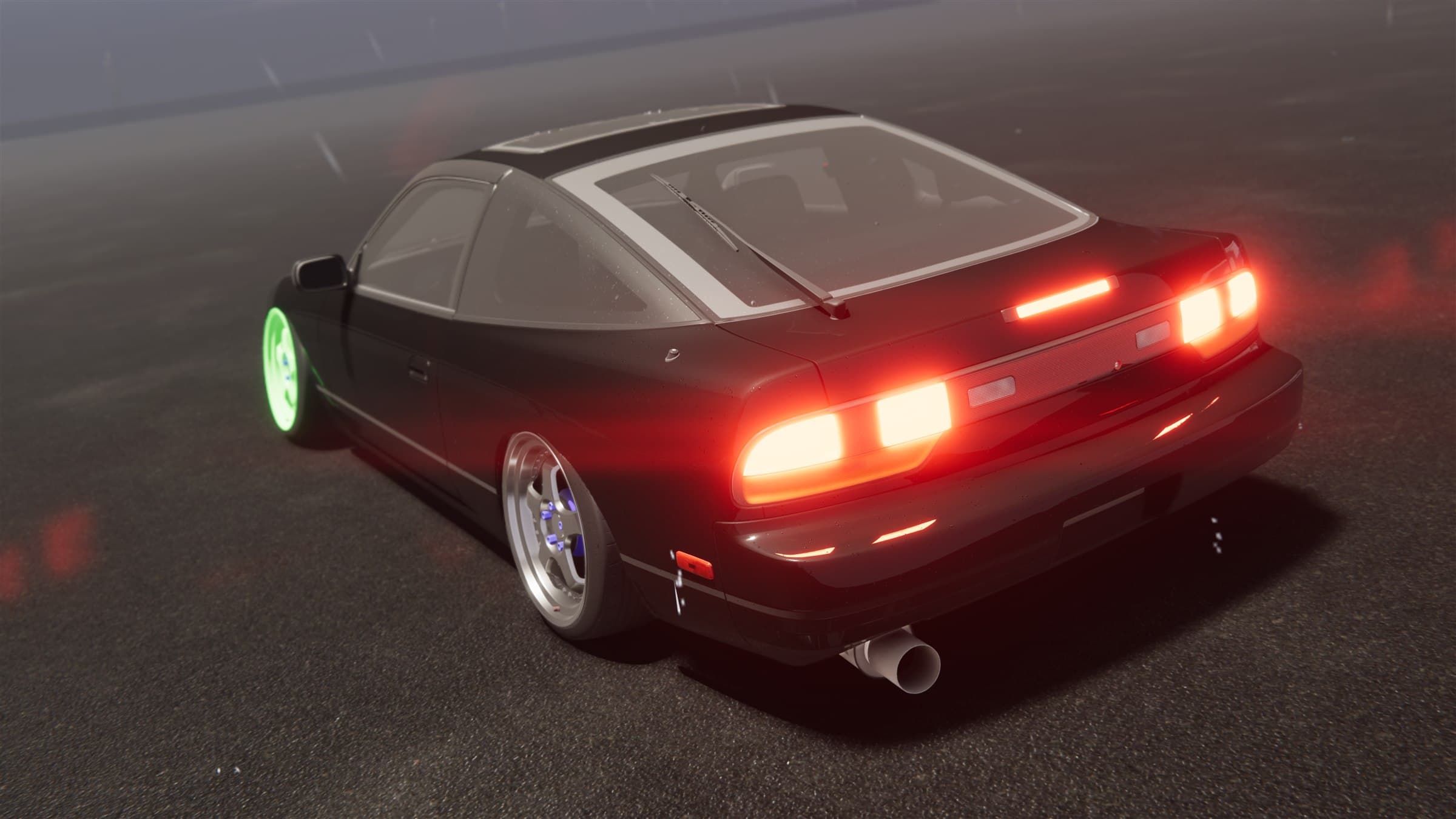
Project Tourge has to solve two very different problems at once. It should preserve the wet roads, deep reflections, dense atmosphere and detailed cars that define its heavier presentation, but it also has to remain playable when the available GPU, CPU and memory budget is much smaller. That cannot be achieved by putting one “quality” slider in front of the same workload.
The graphics system is built as a set of budgets. Low, Medium, High and Ultra select a sensible starting point, while the expensive systems remain independently adjustable. The important part is that lowering the presentation does not simplify the steering rack, tyre model or drivetrain simulation. It reduces the cost of showing the world, not the fidelity of driving through it.
A genuinely low floor
The Low preset is deliberately aggressive. It shortens the distance at which high-detail geometry is kept, reduces shadow reach and cascade count, limits the number of active pixel lights, lowers particle density, streams lower texture mip levels and starts volumetrics and reflections on cheaper profiles. That combination matters more than any single switch: saving a little work across lighting, geometry, transparency and texture memory produces a much larger reduction in total frame cost.
Some effects can be removed entirely. Volumetric fog, screen-space reflections, contact shadows, bloom, motion blur, vignette and chromatic aberration all have direct controls. Particle effects can stay in a cheaper low-resolution transparent pass, and their emission density scales down evenly rather than disappearing in obvious bursts. View distance can be moved from 0.5× to 2×, so a player can trade distant detail against cost without changing every other setting.
Texture streaming is enabled on the lower tiers with a defined memory budget. Instead of insisting that the highest-resolution version of every visible texture remains resident, the engine requests detail according to what the cameras can actually use. Uploads are handled through a persistent asynchronous buffer with a small time slice, spreading transfer work rather than asking the main thread to absorb one large upload at once. This is as much a hitching feature as a memory feature.
Scaling upward without making everything expensive
At the other end, High and Ultra extend shadow distance, retain high-detail geometry farther away, increase lighting and particle budgets and use higher-quality rendering profiles. Anti-aliasing can be selected independently between FXAA, SMAA and TAA, with DLSS modes available on compatible hardware. Anisotropic filtering scales as high as 16× for sharper road and surface detail at shallow viewing angles.
The atmospheric controls expose a real workload rather than a vague label. Volumetric fog can be disabled, or stepped from a 6.25% screen-space grid with 16 depth slices through to a 25% grid with 96 slices. The higher values give light shafts and fog finer spatial definition, but they are optional even when the rest of the game is running at a heavy preset. Volumetric clouds similarly change their ray-step and lighting budgets by tier.
Screen-space reflection quality changes the ray-marching budget while retaining stable material thresholds, so polished paint and glass gain detail without forcing rough asphalt into a noisy reflection solve. This lets reflective detail scale without automatically multiplying the cost everywhere else.
Smoothness is a CPU problem too
A fast average frame rate can still feel bad. One long frame during a corner entry is more noticeable than several frames that are slightly slower, so optimization work is aimed at frame-time consistency as well as throughput.
Texture work is one example. Lower tiers stream only the mip detail the current cameras need, while a persistent upload buffer and a deliberately small asynchronous time slice prevent a large transfer from monopolising one frame. The goal is to move data steadily instead of producing a short burst of work that the player experiences as a hitch.
Keep hot paths predictable
Short-lived effects are another common source of stutter. Constantly creating and destroying temporary objects causes allocation work and eventually gives the garbage collector more to clean up. Project Tourge prepares and reuses effect resources wherever they are needed repeatedly.
Frequently used particle emitters and working buffers are retained instead of rebuilt for every event. Work is capped, and existing resources can be recycled when a budget is full. The visual result can remain busy while runtime memory churn stays bounded.
The same rule appears in smaller hot paths: cache component references, retain working arrays, reuse material-property blocks and avoid searches or allocations inside per-frame loops. None of those changes makes a dramatic screenshot, but together they prevent background systems from competing with the vehicle simulation for CPU time.
Measuring the frames players actually feel
The in-game performance overlay records raw frame times and exposes more than a large FPS number. It tracks average FPS, 1% low and 0.1% low performance, plus separate CPU and GPU frame timing when the platform provides it. A rolling graph keeps the presentation readable, while the underlying percentile samples remain unsmoothed.
Loading, asset cleanup and vehicle construction are excluded from the gameplay sample window. That keeps one-time setup work from contaminating the result while still making genuine gameplay spikes visible. If average performance is strong but the lows collapse, that is treated as a stability problem—not a successful benchmark.
The target is not one fixed visual specification. It is the same driving simulation under a presentation that can contract, expand and spend its frame budget where each player values it most.
Development archive