Devlog 003 / Hardware
Wheel physics and direct drive
August 28, 2026
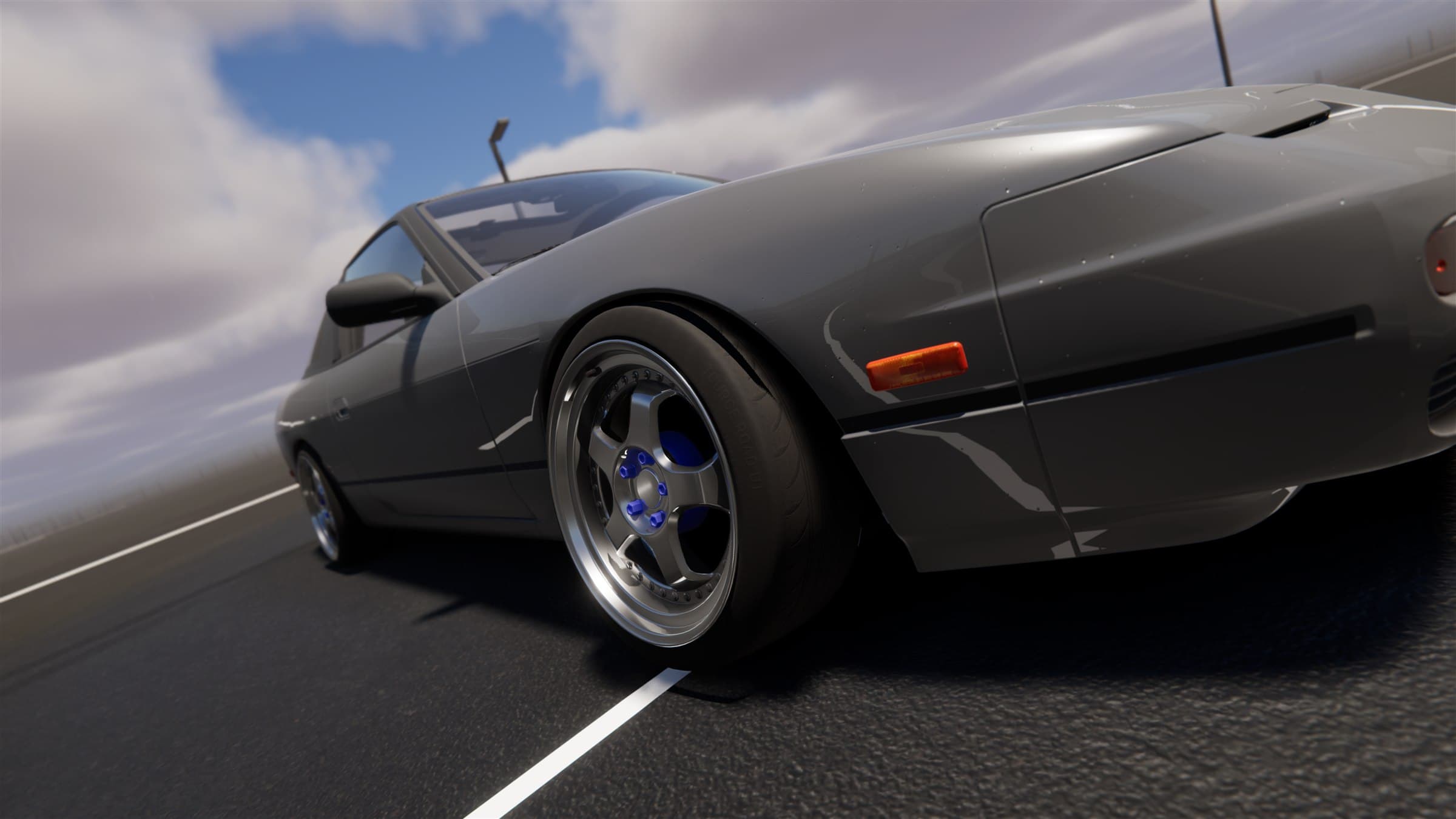
The steering wheel in Project Tourge is not a separate force-feedback effect layered over the car. It is another way to hold the steering rack. The physical rim commands rack position, and the forces already acting through the front tyres and steering geometry are returned to the player's hands.
From the contact patch to the rim
Tyre behaviour is solved in 10 substeps inside every 100 Hz chassis update. At each step, the tyre responds to vertical load, longitudinal slip, lateral slip and the combined demand placed on the contact patch. Compound, dimensions, pressure, road surface and wetness all influence the available force.
The front tyres also generate self-aligning torque. Pneumatic trail changes as a tyre loads up and then fades as it saturates. Mechanical trail and scrub geometry contribute their own leverage. Those forces meet at the physical steering rack, pass through the steering ratio, and become column torque.
That column torque is the foundation of force feedback. Cornering weight, self-centring, understeer lightening and the natural counter-steer of a slide all come from the same vehicle state that moves the car. Rack end stops are part of the signal as well. Road texture and kerb impacts are added from front-suspension motion, while a speed-dependent damper helps stabilise the physical rim without replacing tyre feel.
One-to-one steering
With a hardware wheel, rim angle maps directly to the car's rack. There is no steering dead zone, response curve, controller counter-steer boost or artificial high-speed reduction. If a car uses a 900-degree operating range, turning the physical rim by a given angle produces the matching movement at the simulated steering column and rack.
The rotation range matters. Logitech hardware allows the game to set and read back the operating range. DirectInput bases keep that setting in their vendor software, so the range selected in Project Tourge must match the range configured in software such as Pit House, Fanalab or True Drive. Matching those values preserves the intended steering ratio.
Supported wheel paths
Wheel support is currently Windows-only and handles one force-feedback base at a time.
The dedicated Logitech path covers:
- Driving Force GT
- G25 and G27
- G29 and G920
- G923 PlayStation and Xbox variants
The DirectInput path provides force feedback for modern bases exposed through Windows DirectInput, including:
- MOZA R3 through R21
- Fanatec bases
- Thrustmaster bases
- Simucube bases
- AccuForce bases
DirectInput also supports rigs split across multiple USB devices. A wheelbase, separate pedals, shifter and handbrake can be discovered and mapped together instead of requiring every control to pass through the base. Factory layouts are included for common Logitech rims and MOZA R3/R5 ES or ESX bundles; unknown rims remain fully bindable.
Force without hiding information
Direct-drive hardware can reproduce much more torque and detail than a gear- or belt-driven wheel, but more output is not automatically more information. Project Tourge keeps the force signal in physical torque units before it is scaled to the player's configured base strength. A soft compression stage preserves changes in heavy steering loads instead of flattening every strong corner at 100 percent output.
Per-device controls cover maximum torque, overall gain, minimum force, smoothing, slew rate, parked and moving damping, road texture, kerb response and force direction. This allows a small consumer wheel and a high-torque direct-drive base to present the same rack signal within very different hardware limits.
The important part never changes: the hardware is connected to the rack, the rack is connected to the front tyres, and the forces in the rim begin at the road.
Development archive